


Over the past year, several of the major property management systems released AI connectors, starting with Yardi's Model Context Protocol (MCP) connector last fall and followed this summer by RealPage and AppFolio. AppFolio's was bidirectional, allowing both read and write, so a property manager working in Claude can pull the delinquency report and post the charge without opening AppFolio at all.
This is all happening in response to a real customer desire: to do work directly in an LLM rather than being confined to push buttons and view reports in the application’s own user interface. Taken one at a time, each announcement read like a routine feature release. Taken together, they are closer to an admission of a new reality: their own interfaces are increasingly optional. And it’s representative of one of software’s biggest trends that’s now hitting real estate tech: the headless UI.
Once you notice it, you see it everywhere.
Activity is being pulled out of the traditional buttons-and-toggles interface, sometimes deliberately and sometimes as a byproduct of automating the task underneath it. Site search, for instance, is now less about poking around LoopNet's UI and more about querying APIs and building agents. Tools like OpenSpace take photos from the walkthrough and automatically tag the BIM, removing the need for the user to touch the interface at all.
Today's letter explores the end of the traditional UI and what it means for real estate operations, including:
- How software companies are responding to the new UI-agnostic reality;
- The second-order effects the industry isn’t yet pricing in;
- What all this means for defensibility and the future of software.
The GUI, 1973-2026
The graphical user interface has had a good run.
After their invention in the 70s, graphical user interfaces (GUIs) evolved in the 1980s and 90s to replace clunky command-line interfaces that required users to enter specific syntax to perform actions. If a user forgot a specific command, they’d need to look it up. The command line worked for experts using a system day in and day out, but the learning curve was steep.
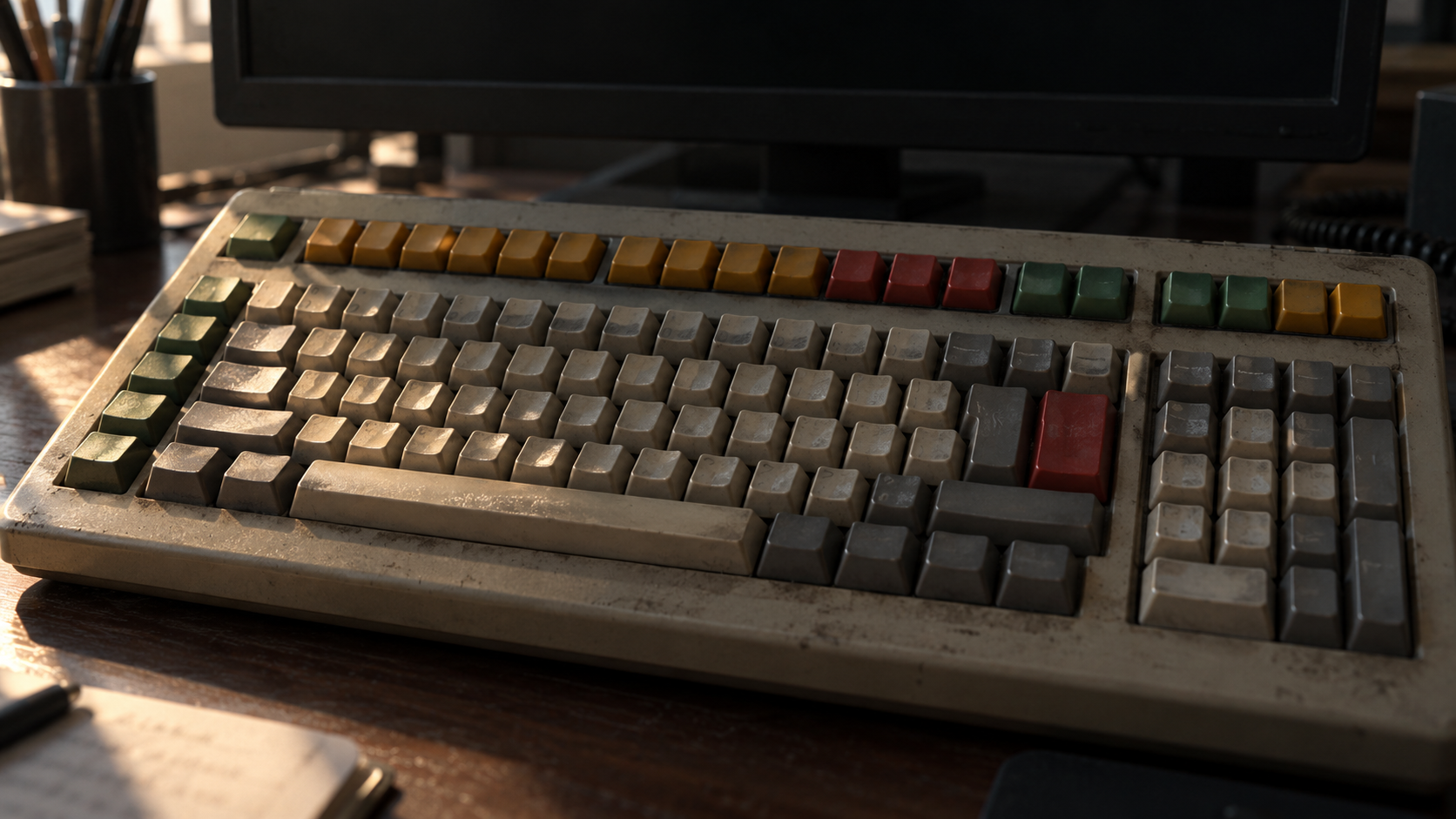
GUIs added a layer on top of the cold command line, often using real-world symbolism — skeuomorphic design — to make users comfortable. Creating a new lease, for instance, often involved filling out a form on the computer that looked similar to the paper forms property managers once completed.
Property management systems need to model complicated workflows, so their user interfaces developed accordingly, with hundreds of screens and interfaces to reflect the complex work at hand. It didn’t help that many PMS companies built their platforms through never-fully-integrated acquisitions, resulting in disjointed and sometimes incongruous interfaces. So while the user interface was an unquestionable improvement over memorizing hundreds of commands, it still left much to be desired.
But AI’s ability to process natural language removes the command line’s fundamental flaw: users no longer need to recall the syntax of specific commands to perform actions. It’s the difference between entering the following into the terminal:
find ~/Leases -name "*.pdf" -mtime -30 -exec pdfgrep -il "arbitration" {} \; | xargs -I{} cp {} ~/Review/
Versus simply asking:
Pull any lease from the last month that mentions arbitration into a review folder.
Not only is the latter far easier than the terminal command, it’s also easier than running the same command in the user interface itself, which probably involves futzing with filters, searching, creating a folder, and manually moving files.
Suddenly, the graphical user interface isn’t the useful time-saver it once was. And users trained on the ease of GPT and Claude are expecting everything to work like that.
Read next

Can AI Solve Capex Overruns?
New data from Tailorbird shows why two-thirds of real estate operators blow their capex budgets and where AI could actually help

Deep Dive: Metropolis
How a computer vision startup became America’s largest parking operator and a test case for a new model of venture-backed growth

Why Realpage Bought Cherre
Realpage is betting that decades of accumulated data can become an AI-era advantage

Who is Investing in Real Estate Tech? 2026 Edition
Our annual list of firms actively investing in real estate technology companies